



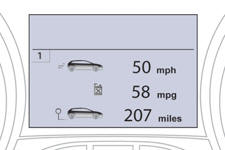
Instrument panel screen
See also:
Diesel engines and gearboxes
* The maximum power corresponds to the type approved value on a test bed, under
the conditions defined in European legislation (directive 1999/99/CE). ...
Ski flap
Arrangement for storing and transporting long objects.
Opening
Lower the rear armrest.
Pull the flap handle downwards.
Lower the flap.
Load the objects from inside the boot. ...