



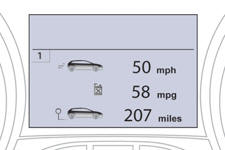
Instrument panel screen
See also:
Changing a bulb
The headlamps are fitted with polycarbonate glass with a protective coating:
do not clean them using a dry or abrasive cloth, nor with a detergent or
solvent product,
use a sponge and soapy w ...
Door mirror spotlamps
To make your approach to the vehicle easier, these illuminate:
- the zones facing the driver’s and passenger’s doors,
- the zones forward of the door mirrors and rearward of the front doors.
Swi ...
Opening
After unlocking the boot or the vehicle using the remote control or the key,
press the opening control, then raise the tailgate. ...